Make a Picture Move — Free AI Photo Animation
Upload a photo and choose an effect or describe the motion. Your first 5-second 768p video is free with Google sign-in, with no card required. Generation time varies by model and queue.
Edit it freely, or pick a style below.
MiniMax H3 Max · 768p · 5s · no watermark
How to Make a Picture Move (Step by Step)
You do not need any editing skill. Pick a motion, upload, and download.
Step 1 — Upload your picture
Upload a JPG, PNG or WebP file up to 10 MB. A sharp photo where the subject fills a good part of the frame works best. Blurry or very small subjects give the AI less to work with.
Step 2 — Pick a motion or write your own
Choose an effect such as gentle sway, camera push-in or old photo revival, or describe your own motion. Start with one main movement to make the result easier to control.
Step 3 — Generate
The free trial uses MiniMax H3 Max to generate a 5-second clip. Timing depends on the model, queue and safety checks; the studio shows the progress.
Step 4 — Download the MP4
Download an MP4 for personal sharing. Free outputs are for non-commercial use; commercial use is subject to paid-plan terms, model terms and source-material rights. Free and paid clips have no watermark.
What Kind of Motion Can You Make?
Four families of motion cover almost every request.
Facial expression and blinks
A still portrait looks alive when the eyes move and the mouth changes slightly. Best for headshots, family photos, and profile pictures.
Hair, clothes and wind
Motion in the parts of a photo that normally catch the wind. This is what reads as "real" even in a small thumbnail.
Clouds, water and weather
Slow drift in the background. Works on landscapes, travel photos, and any shot with sky or water in it.
Camera push-in and pan
The camera moves instead of the subject. This is the safest choice for products, posters and images where nothing should change shape.
What the Free Plan Gives You
Clear plan transparency — explore free, upgrade for professional capabilities.
| Feature | Free | Paid |
|---|---|---|
| Videos | 1 | More credits |
| Length | 5 seconds | 4–6 seconds, model-dependent |
| Resolution | 768p | 1080p HD |
| Watermark | None | None |
| Model | MiniMax H3 Max | Pro & Max models |
| Sign-in | Google, one click | Google, one click |
| Credit card | Not needed | — |
| Usage | Personal use | Commercial license |
Read the guide to photo formats, free limits and motion prompts
No watermark on any plan — free or paid. We only charge for resolution, more clips and Pro models.
Works on your phone — no app to download
Open the site in your browser on iPhone, Android, or desktop. There is nothing to install and no app to update. The same four steps work on every device.
Examples: What Moves, and How
Tailored movement formulas for different photo types.
 Original
 Original
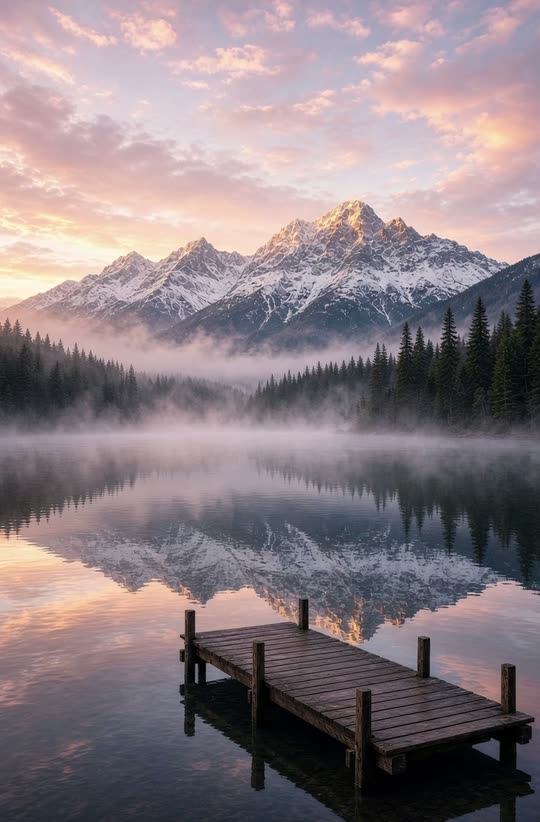 Original
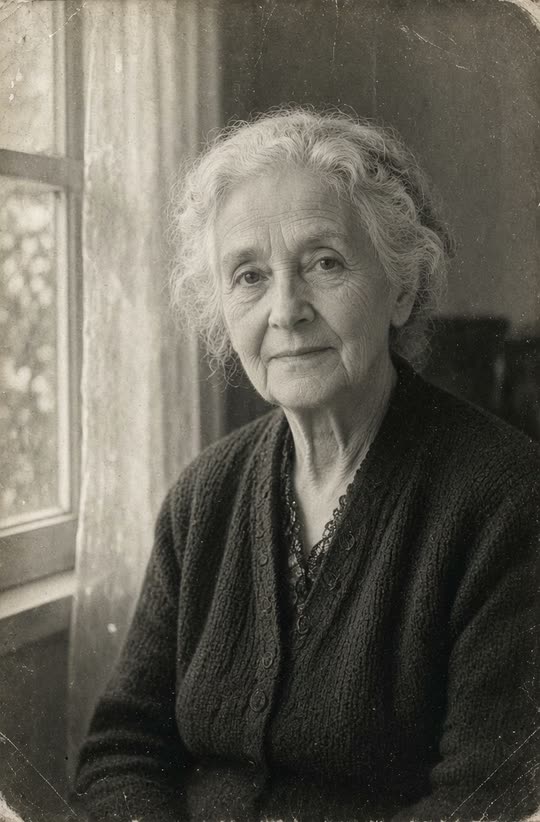 Original
Portraits
Let the subject blink and smile while the background stays still. Keep the face stable — ask for movement in the expression, not the head.
Pets
A tail wag, an ear twitch, or a head turn. Pets tolerate more motion than faces before it starts to look wrong.
Landscapes
Slow camera push-in, or drifting clouds and rippling water. Landscapes are the easiest to make convincing, because nobody knows exactly how the clouds should look.
Old family photos
Gentle motion brings black-and-white and faded images back to life. Keep it subtle — a small smile and a blink, not a full turn.
Frequently Asked Questions
Everything you need to know about photo animation, watermark, and limits.
How do I make a picture move?
Upload a picture, choose an effect or describe the motion yourself, then generate. The free trial gives you one 5-second 768p MP4. Generation time varies by model and queue.
Is it free?
Your first video is free with Google sign-in, with no credit card required. That is one 5-second clip at 768p. Paid plans and credit packs provide more generations; clip length depends on the model.
Do I need to download an app?
No. Everything runs in your browser on desktop and mobile. There is nothing to install.
What kind of pictures work best?
Sharp photos where the subject takes up a good part of the frame. Portraits, pets, landscapes, products and old family photos all work well.
Can I choose what moves?
Yes. Pick a preset, or use the motion prompt and describe the camera move and the subject's movement in your own words.
Why does a video sometimes look distorted?
Usually one of three things: a blurry source image, a subject that is too small in frame, or a prompt that asks for too much movement at once. Try one change at a time.
Do free videos have a watermark?
No — free and paid videos are both watermark-free. We only charge for resolution, more clips and Pro models.
Can I use the videos commercially?
Free videos are for personal use. Paid plans include a commercial license — see the terms for the model you use.
Keep Going
- turn photo into video — turn any photo into a video in your browser.
- photo to video ai — how the models work and how to write a director prompt.
- photo to video ai free — what the free tier includes, in detail.
Ready to Make Your Picture Move?
Your first video is free. No watermark, no credit card required.